Sunday, Nov 30, 2025
Tailwind CSS Basics: A Comprehensive Guide for Beginners
Learn the fundamentals of Tailwind CSS and discover why it has become one of the most popular CSS frameworks in modern web development.
Tailwind CSS Basics: A Comprehensive Guide for Beginners
Tailwind CSS has revolutionized the way developers approach styling web applications. Unlike traditional CSS frameworks that provide pre-built components, Tailwind offers a utility-first approach that gives you low-level utility classes to build custom designs directly in your markup. In this comprehensive guide, we'll explore the fundamentals of Tailwind CSS and why it has become one of the most popular CSS frameworks in modern web development.
What is Tailwind CSS?
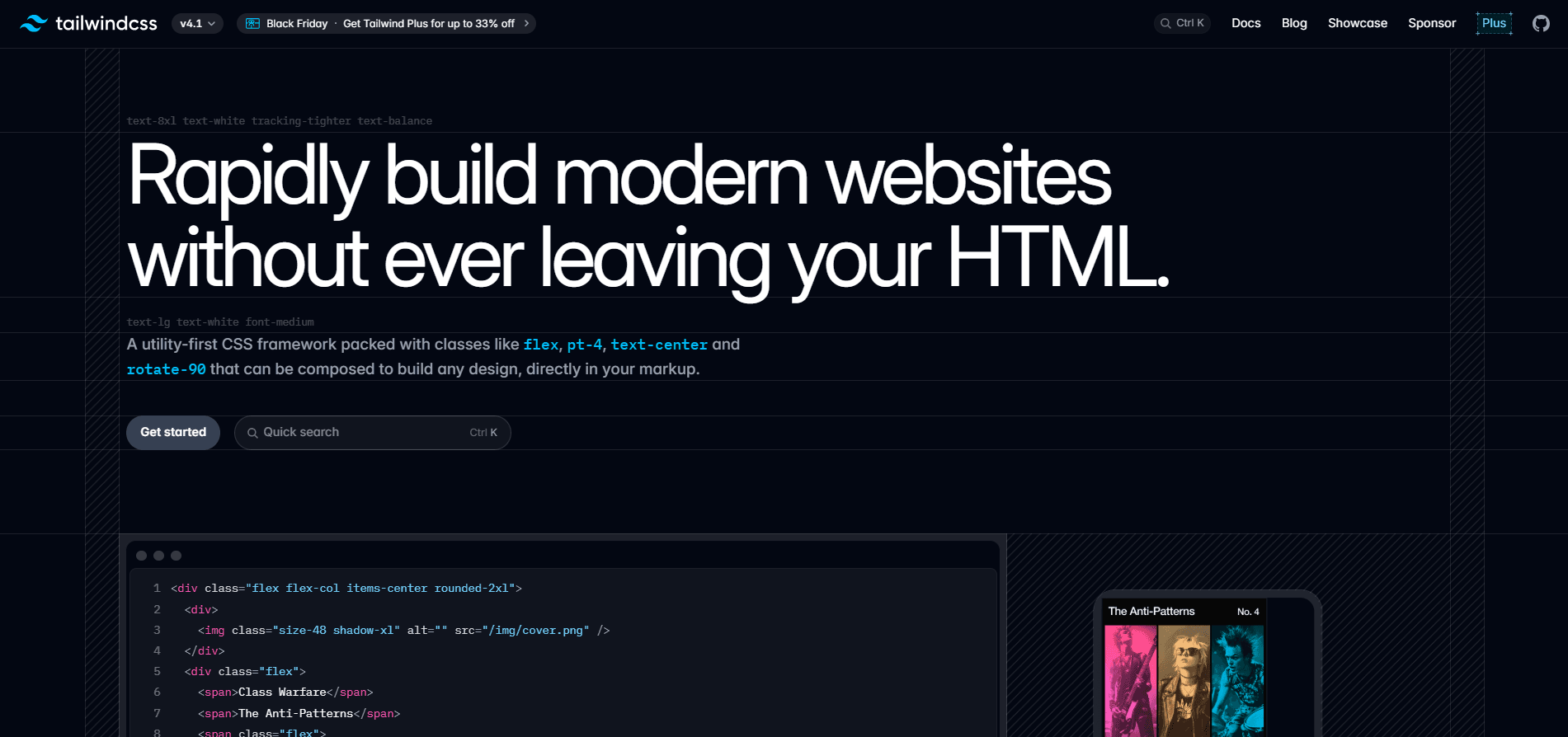
Tailwind CSS is a utility-first CSS framework that provides a vast collection of pre-defined CSS classes. Instead of writing custom CSS for every element, you compose styles by combining utility classes directly in your HTML or JSX. This approach might seem unconventional at first, but it offers remarkable benefits in terms of development speed, consistency, and maintainability.
The framework was created by Adam Wathan and Steve Schoger and has grown exponentially since its initial release. What sets Tailwind apart is its philosophy: rather than fighting against the framework's constraints, you work with a comprehensive set of building blocks that can be combined in infinite ways to create any design you can imagine.
Why Choose Tailwind CSS?
Before diving into the technical details, let's understand why Tailwind has gained such widespread adoption among developers and teams worldwide.
Development Speed: With Tailwind, you never have to leave your HTML to style elements. Everything you need is available as a utility class, which dramatically speeds up the development process. You're not constantly switching between files or thinking about class names.
Consistency: Tailwind provides a carefully crafted design system out of the box. The spacing scale, color palette, typography, and other design tokens ensure visual consistency across your entire application without extra effort.
No Naming Headaches: One of the most time-consuming aspects of writing CSS is coming up with meaningful class names. With Tailwind's utility-first approach, you rarely need to create custom class names, eliminating this cognitive overhead.
Smaller Bundle Sizes: Tailwind includes a powerful purge mechanism that removes unused CSS in production builds. This means your final CSS bundle only contains the classes you actually use, resulting in incredibly small file sizes.
Getting Started with Tailwind
Installing Tailwind CSS is straightforward. If you're using a modern framework like Next.js, React, or Vue, Tailwind integrates seamlessly. For a typical Next.js project, you would install Tailwind using npm or yarn:
npm install -D tailwindcss postcss autoprefixer
npx tailwindcss init -p
This creates a tailwind.config.js file where you can customize your design system, and a postcss.config.js file for PostCSS configuration. The configuration file is where Tailwind's power truly shines, allowing you to extend or override any aspect of the default design system.
Understanding Utility Classes
At the heart of Tailwind are utility classes. These are single-purpose classes that apply one specific style. Let's explore the main categories:
Spacing Utilities
Tailwind uses a consistent spacing scale based on rem units. The classes follow a simple pattern: {property}{side}-{size}. For example:
p-4applies padding of 1rem (16px) to all sidesmt-8applies margin-top of 2rem (32px)px-6applies horizontal padding (left and right) of 1.5remmb-2applies margin-bottom of 0.5rem
The spacing scale ranges from 0 to 96, with smaller increments at lower values for fine-tuned control. This systematic approach ensures your layouts maintain visual rhythm and consistency.
Color Utilities
Tailwind includes a comprehensive color palette with shades ranging from 50 (lightest) to 950 (darkest) for most colors. You can apply colors to text, backgrounds, borders, and more:
text-blue-500sets the text color to a medium bluebg-gray-100sets a light gray backgroundborder-red-600applies a darker red border color
The color system is thoughtfully designed to work together harmoniously, making it easy to create visually appealing interfaces without being a design expert.
Typography Utilities
Typography is crucial for readability and hierarchy. Tailwind provides utilities for font size, weight, line height, and more:
text-lgsets a larger font sizefont-boldapplies bold font weightleading-relaxedincreases line height for better readabilitytracking-wideadds letter spacing
You can also control text alignment, decoration, transformation, and overflow with simple utility classes.
Layout Utilities
Modern layouts often rely on Flexbox and CSS Grid. Tailwind makes these powerful layout systems incredibly accessible:
Flexbox:
flexenables flexbox on a containerjustify-centercenters items horizontallyitems-centercenters items verticallyflex-colarranges items in a columngap-4adds consistent spacing between flex items
Grid:
gridenables CSS Gridgrid-cols-3creates a three-column gridcol-span-2makes an item span two columnsgap-6adds spacing between grid items
Responsive Design
One of Tailwind's most powerful features is its mobile-first responsive design system. You can apply different styles at different breakpoints by prefixing utility classes:
md:text-lgapplies large text on medium screens and uplg:grid-cols-4creates a 4-column grid on large screenssm:p-6applies padding on small screens and up
The default breakpoints are:
sm: 640pxmd: 768pxlg: 1024pxxl: 1280px2xl: 1536px
This approach makes responsive design intuitive and keeps all styling context in one place.
State Variants
Tailwind provides variants for styling different states without writing custom CSS:
hover:bg-blue-600applies styles on hoverfocus:ring-2adds a focus ringactive:scale-95slightly scales down on clickdisabled:opacity-50styles disabled elements
You can even combine variants: md:hover:bg-blue-700 applies a hover style only on medium screens and up.
Customization
While Tailwind provides excellent defaults, customization is where it truly shines. In your tailwind.config.js, you can:
Extend the default theme by adding custom colors, fonts, spacing values, or any other design token:
module.exports = {
  theme: {
    extend: {
      colors: {
        brand: '#1a73e8',
      },
      spacing: {
        '128': '32rem',
      },
    },
  },
}
Configure content paths to ensure Tailwind scans all your files for class names:
module.exports = {
  content: [
    './src/**/*.{js,jsx,ts,tsx}',
  ],
}
Best Practices
As you work with Tailwind, keep these best practices in mind:
Extract Components: When you find yourself repeating the same combination of utility classes, extract them into a component. In React, this is straightforward—create a reusable component with the classes baked in.
Use @apply Sparingly: While Tailwind provides an @apply directive to extract utilities into custom CSS classes, overusing it defeats the purpose of utility-first CSS. Reserve it for truly reusable patterns.
Organize Classes Logically: Group related utilities together for readability. For example, keep layout classes together, followed by spacing, then typography, and finally colors.
Leverage Plugins: Tailwind has an ecosystem of official and community plugins. The official Typography plugin (@tailwindcss/typography) is particularly useful for styling markdown or rich text content.
Common Patterns
Let's look at some practical examples of building common UI elements with Tailwind:
Button:
<button class="px-4 py-2 bg-blue-500 text-white font-semibold rounded-lg hover:bg-blue-600 focus:outline-none focus:ring-2 focus:ring-blue-400 transition-colors">
  Click Me
</button>
Card:
<div class="max-w-sm rounded-lg overflow-hidden shadow-lg bg-white">
  <div class="px-6 py-4">
    <h2 class="font-bold text-xl mb-2">Card Title</h2>
    <p class="text-gray-700 text-base">Card content goes here.</p>
  </div>
</div>
Navigation:
<nav class="flex items-center justify-between p-4 bg-gray-800 text-white">
  <div class="text-xl font-bold">Logo</div>
  <div class="flex gap-6">
    <a href="#" class="hover:text-blue-400">Home</a>
    <a href="#" class="hover:text-blue-400">About</a>
    <a href="#" class="hover:text-blue-400">Contact</a>
  </div>
</nav>
Conclusion
Tailwind CSS represents a paradigm shift in how we approach styling web applications. Its utility-first methodology might feel strange initially, especially if you're accustomed to traditional CSS practices. However, once you embrace the workflow, you'll discover unprecedented development speed and consistency.
The framework eliminates many common pain points in CSS development: naming conventions, specificity conflicts, and bloated stylesheets. By providing a comprehensive design system and powerful customization options, Tailwind enables developers to build beautiful, responsive interfaces rapidly without sacrificing flexibility.
Whether you're building a simple landing page or a complex web application, Tailwind CSS provides the tools you need to create stunning user interfaces efficiently. Start small, experiment with the utility classes, and gradually incorporate more advanced features as you become comfortable with the framework. The investment in learning Tailwind pays dividends in faster development, more maintainable code, and better-designed applications.