Tuesday, Dec 2, 2025
Next.js: The Complete Guide to React's Most Powerful Framework
Discover why Next.js has become the go-to framework for building modern React applications, from its powerful rendering strategies to seamless developer experience.
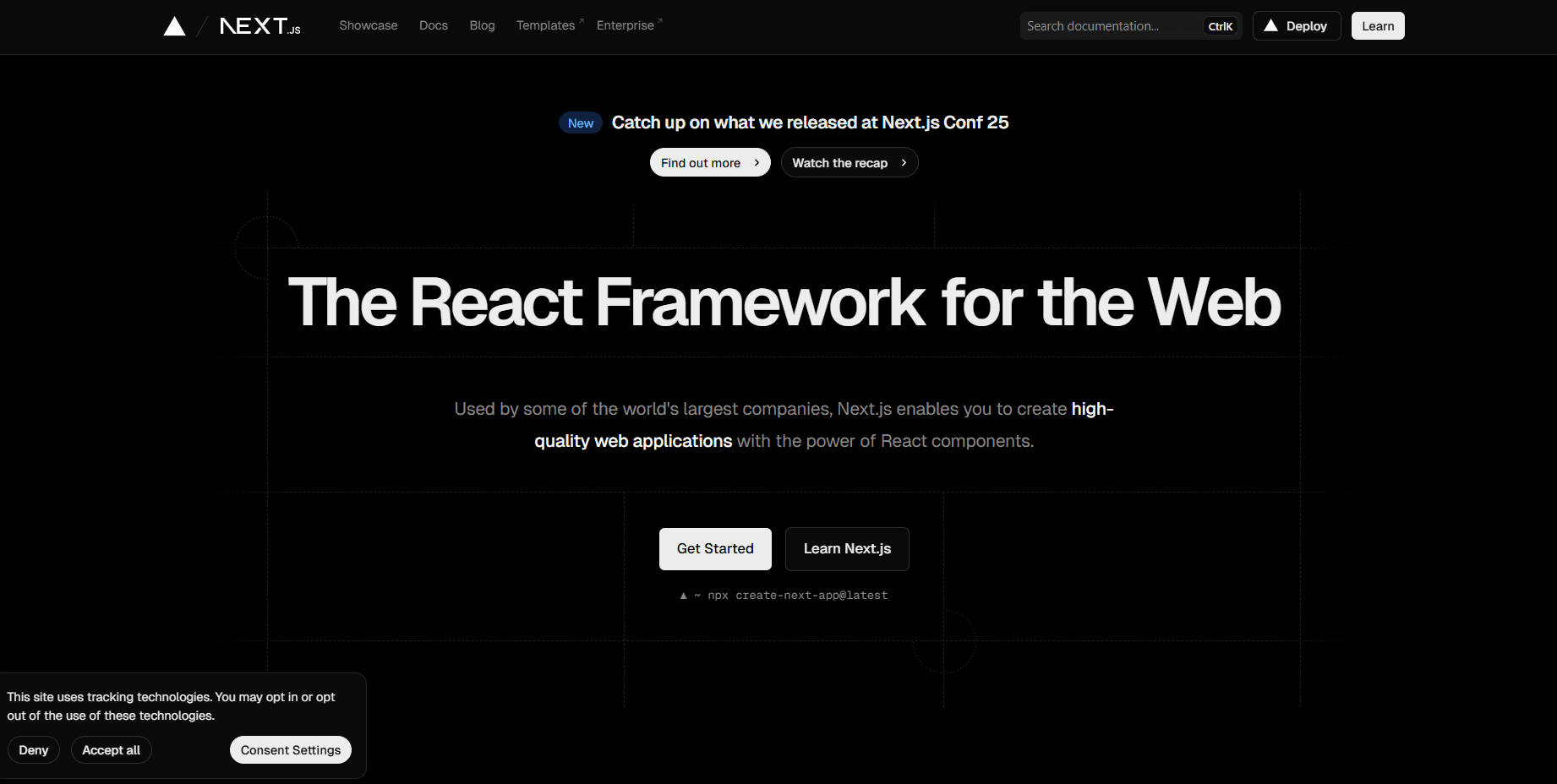
Next.js: The Complete Guide to React's Most Powerful Framework
In the ever-evolving landscape of web development, Next.js has emerged as the premier React framework for building production-ready applications. Created by Vercel, Next.js solves many of the challenges developers face when building React applications, offering an opinionated yet flexible approach to building everything from static websites to complex web applications. Whether you're a seasoned React developer or just starting your journey, understanding Next.js is essential for modern web development.
What is Next.js?
Next.js is a full-stack React framework that provides a complete solution for building web applications. Unlike Create React App, which focuses solely on client-side rendering, Next.js offers multiple rendering strategies, built-in routing, API routes, and optimization features out of the box. It's designed to help developers build fast, SEO-friendly, and user-centric applications without the hassle of complex configuration.
At its core, Next.js extends React with powerful features that make it production-ready from day one. It handles code splitting, image optimization, font optimization, and much more automatically, allowing developers to focus on building features rather than configuring build tools.
Why Next.js Has Become the Industry Standard
The rise of Next.js isn't accidental—it addresses real pain points that developers encounter when building React applications at scale.
Performance by Default: Next.js is built with performance in mind. Features like automatic code splitting, image optimization, and font optimization ensure your application loads fast without manual intervention. The framework automatically splits your code by route, ensuring users only download the JavaScript they need for the page they're viewing.
SEO Excellence: Traditional single-page React applications struggle with SEO because content is rendered on the client. Next.js solves this with server-side rendering and static site generation, ensuring search engines can crawl and index your content effectively.
Developer Experience: Next.js provides an exceptional developer experience with features like Fast Refresh (hot module replacement that preserves component state), TypeScript support out of the box, and comprehensive error messages that help you debug issues quickly.
Flexibility: One of Next.js's greatest strengths is its flexibility. You can choose different rendering strategies for different pages in the same application. A marketing landing page can be statically generated, while a user dashboard uses server-side rendering, and a blog uses incremental static regeneration.
Full-Stack Capabilities: With API routes and middleware, Next.js isn't just a frontend framework—it's a full-stack solution. You can build your backend and frontend in the same codebase, simplifying deployment and development.
Understanding Next.js Rendering Strategies
Next.js offers multiple rendering strategies, each optimized for different use cases. Understanding when to use each strategy is key to building performant applications.
Static Site Generation (SSG)
Static Site Generation pre-renders pages at build time. The HTML is generated once when you build your application and reused on every request. This is the fastest way to serve content and is ideal for pages that don't change frequently.
export async function generateStaticParams() {
  const posts = await fetchAllPosts();
  return posts.map((post) => ({
    slug: post.slug,
  }));
}

export default async function BlogPost({ params }) {
  const post = await fetchPost(params.slug);
  return <article>{post.content}</article>;
}
SSG is perfect for blogs, documentation sites, marketing pages, and any content that can be pre-rendered. Your pages are served as static HTML files, making them incredibly fast and easily cacheable by CDNs.
Server-Side Rendering (SSR)
Server-Side Rendering generates the HTML on each request. This is ideal for pages that display frequently changing data or personalized content that can't be pre-rendered.
export default async function Dashboard() {
  const userData = await fetchUserData();
  return <div>{userData.name}'s Dashboard</div>;
}
With SSR, the server generates fresh HTML for every request, ensuring users always see up-to-date content. This is essential for user dashboards, real-time data displays, and pages that require authentication.
Incremental Static Regeneration (ISR)
ISR is a hybrid approach that combines the benefits of SSG and SSR. Pages are statically generated but can be revalidated and regenerated in the background after a specified time interval.
export const revalidate = 60; // Revalidate every 60 seconds

export default async function ProductPage({ params }) {
  const product = await fetchProduct(params.id);
  return <div>{product.name}</div>;
}
ISR is perfect for content that changes occasionally but doesn't need real-time updates. E-commerce product pages, news articles, and social media feeds benefit greatly from this approach.
Client-Side Rendering (CSR)
You can still use traditional client-side rendering when appropriate. This is useful for interactive components that don't need SEO or pages behind authentication.
'use client'

import { useState, useEffect } from 'react';

export default function InteractiveDashboard() {
  const [data, setData] = useState(null);

  useEffect(() => {
    fetch('/api/data').then(res => res.json()).then(setData);
  }, []);

  return <div>{data?.content}</div>;
}
The App Router: Next.js 13+ Revolution
Next.js 13 introduced the App Router, a paradigm shift in how Next.js applications are structured. Built on React Server Components, the App Router offers improved performance, better data fetching patterns, and a more intuitive mental model.
File-Based Routing
Next.js uses a file-system-based router where folders define routes. The structure of your app directory directly maps to your URL structure:
app/page.tsx→/app/about/page.tsx→/aboutapp/blog/[slug]/page.tsx→/blog/:slug
This intuitive approach eliminates the need for complex routing configuration. Dynamic routes use square brackets, and nested layouts are as simple as adding a layout.tsx file in a directory.
Layouts and Templates
Layouts allow you to share UI between routes while preserving state and avoiding re-renders:
export default function BlogLayout({ children }) {
  return (
    <div>
      <nav>Blog Navigation</nav>
      {children}
    </div>
  );
}
Layouts wrap child pages and persist across navigation, making them perfect for shared navigation, sidebars, or authentication wrappers.
Server and Client Components
The App Router introduces a clear distinction between Server and Client Components. By default, components are Server Components, which run on the server and don't ship JavaScript to the client.
Server Components (default):
- Fetch data directly without API routes
- Access backend resources securely
- Keep large dependencies on the server
- Automatically reduce client-side JavaScript
Client Components (marked with 'use client'):
- Use React hooks (useState, useEffect, etc.)
- Handle browser-only APIs
- Add interactivity and event listeners
- Use React context
This separation allows you to optimize your application by rendering as much as possible on the server while keeping client-side JavaScript minimal.
Data Fetching in Next.js
Data fetching in Next.js is remarkably straightforward, especially with the App Router.
Server Component Data Fetching
Server Components can fetch data directly using async/await:
async function getPost(slug) {
  const res = await fetch(`https://api.example.com/posts/${slug}`, {
    next: { revalidate: 3600 } // Cache for 1 hour
  });
  return res.json();
}

export default async function Post({ params }) {
  const post = await getPost(params.slug);
  return <article>{post.title}</article>;
}
The next option in fetch allows fine-grained control over caching and revalidation strategies.
Parallel and Sequential Data Fetching
Next.js optimizes data fetching automatically. When you fetch data in parallel, requests are made simultaneously:
export default async function Page() {
  // These fetch simultaneously
  const [user, posts] = await Promise.all([
    fetchUser(),
    fetchPosts()
  ]);

  return <div>...</div>;
}
API Routes and Backend Functionality
Next.js allows you to build your entire backend within the same codebase using API Routes and Route Handlers.
// app/api/users/route.ts
import { NextResponse } from 'next/server';

export async function GET() {
  const users = await db.users.findMany();
  return NextResponse.json(users);
}

export async function POST(request) {
  const body = await request.json();
  const user = await db.users.create({ data: body });
  return NextResponse.json(user, { status: 201 });
}
Route Handlers support all HTTP methods (GET, POST, PUT, DELETE, PATCH) and can be used for authentication, database operations, third-party API integrations, and more.
Image and Font Optimization
Next.js provides automatic optimization for images and fonts, two of the most common performance bottlenecks.
Image Component
The next/image component automatically optimizes images:
import Image from 'next/image';

export default function Profile() {
  return (
    <Image
      src="/profile.jpg"
      alt="Profile"
      width={500}
      height={500}
      priority
    />
  );
}
Benefits include:
- Automatic WebP/AVIF conversion
- Responsive images with srcset
- Lazy loading by default
- Prevention of Cumulative Layout Shift (CLS)
- On-demand optimization (no build-time slowdown)
Font Optimization
Next.js automatically optimizes fonts with next/font:
import { Inter } from 'next/font/google';

const inter = Inter({ subsets: ['latin'] });

export default function RootLayout({ children }) {
  return (
    <html lang="en" className={inter.className}>
      <body>{children}</body>
    </html>
  );
}
This eliminates external network requests, prevents layout shift, and optimizes font loading automatically.
Middleware and Edge Functions
Middleware runs before a request is completed, allowing you to modify the response based on the request:
// middleware.ts
import { NextResponse } from 'next/server';

export function middleware(request) {
  const token = request.cookies.get('token');

  if (!token && request.nextUrl.pathname.startsWith('/dashboard')) {
    return NextResponse.redirect(new URL('/login', request.url));
  }

  return NextResponse.next();
}
Middleware is perfect for authentication checks, redirects, rewriting URLs, adding headers, and A/B testing.
Environment Variables and Configuration
Next.js provides a clean way to manage environment variables:
// .env.local
DATABASE_URL=postgresql://...
NEXT_PUBLIC_API_URL=https://api.example.com
Variables prefixed with NEXT_PUBLIC_ are exposed to the browser, while others remain server-side only. Access them using process.env.VARIABLE_NAME.
Deployment and Production Optimization
While Next.js can be deployed to any Node.js hosting platform, Vercel provides the best experience with zero-configuration deployment, automatic HTTPS, instant rollbacks, and edge network distribution.
Build Optimization
When you build a Next.js application with npm run build, it:
- Minifies JavaScript and CSS
- Optimizes images and fonts
- Generates static HTML for applicable pages
- Creates optimized bundles with code splitting
- Analyzes bundle sizes
Performance Monitoring
Next.js includes Web Vitals reporting out of the box:
// app/layout.tsx
export function reportWebVitals(metric) {
  console.log(metric);
}
This helps you track Core Web Vitals (LCP, FID, CLS) and other performance metrics.
TypeScript Support
Next.js has first-class TypeScript support. Simply create a tsconfig.json file, and Next.js will automatically configure TypeScript for you:
interface Post {
  id: string;
  title: string;
  content: string;
}

export default async function BlogPost({ params }: { params: { slug: string } }) {
  const post: Post = await fetchPost(params.slug);
  return <article>{post.title}</article>;
}
Best Practices for Next.js Development
Choose the Right Rendering Strategy: Use SSG for content that doesn't change often, SSR for personalized or real-time content, and ISR for content that updates occasionally.
Minimize Client-Side JavaScript: Keep components as Server Components unless they need interactivity. This reduces bundle size and improves performance.
Optimize Images: Always use the next/image component for images. Set appropriate width and height to prevent layout shift.
Use Parallel Data Fetching: When fetching multiple pieces of data, use Promise.all() to fetch them in parallel rather than sequentially.
Implement Proper Error Handling: Use error.tsx files to handle errors gracefully and loading.tsx for loading states.
Leverage Caching: Understand Next.js's caching mechanisms and use them effectively to reduce server load and improve response times.
Keep Dependencies Updated: Next.js evolves rapidly. Stay updated with new releases to benefit from performance improvements and new features.
Common Use Cases
Next.js excels in various scenarios:
E-commerce Sites: ISR for product pages, SSR for shopping carts, SSG for category pages, and API routes for checkout.
Content Platforms: Blogs, documentation sites, and news platforms benefit from SSG and ISR for fast content delivery with automatic updates.
SaaS Applications: Complex applications use a mix of SSR for authenticated pages, CSR for interactive features, and API routes for backend logic.
Marketing Websites: Landing pages and marketing sites leverage SSG for maximum performance and SEO.
Getting Started
Starting a new Next.js project is simple:
npx create-next-app@latest my-app
cd my-app
npm run dev
This creates a new Next.js application with all the recommended defaults, including TypeScript, ESLint, and Tailwind CSS if you choose.
Conclusion
Next.js has transformed the React ecosystem by providing a comprehensive, production-ready framework that handles the complexities of modern web development. Its flexibility in rendering strategies, exceptional developer experience, built-in optimizations, and full-stack capabilities make it the ideal choice for projects of any scale.
Whether you're building a simple blog, a complex e-commerce platform, or a feature-rich SaaS application, Next.js provides the tools and patterns you need to succeed. The framework continues to evolve with cutting-edge features like React Server Components and streaming, ensuring it remains at the forefront of web development.
The learning curve is gentle if you're already familiar with React, and the benefits are immediate. Start with the basics—file-based routing and static generation—and gradually explore more advanced features as your needs grow. With its strong community, excellent documentation, and continuous innovation, Next.js is an investment in your development skills that will pay dividends for years to come.